LiveContainer 2 is a name many people still search for, usually after seeing it in an older video or forum post. It refers to the 2.x release series of LiveContainer, which added several features people now take for granted, and the project has continued with newer major versions since then.
This article explains what the 2.x series brought, how later releases changed the app, how stable and nightly builds differ and how to update without losing guest app data.
The LiveContainer 2 Release Series
Release notes for the 2.x series show that the developer moved past a 2.0 pre-release straight to version 2.1, because that update also introduced new features. One of the notable additions was the ability to add app shortcuts to the Home Screen.
The same notes mention fixes for issues that affected iOS 18 during the 2.0 pre-release period and work towards broader app compatibility. Later 2.1.x updates continued with fixes, including handling for apps that failed to create temporary files.
Why People Still Search for It
- Older tutorials refer to 2.x screens and menus.
- Home Screen shortcuts first appeared in this series.
- Some users want to know whether they are on an outdated build.
How Later Releases Changed LiveContainer
The project kept moving after 2.x. The 3.0 release notes describe a SwiftUI rewrite that gave LiveContainer an AltStore-like interface, a dedicated AltStore and SideStore source, support for iOS 18.2 and fixes for problems such as the iOS file picker issue.
Later development added multitasking with virtual windows on iOS and iPadOS 16 or later, and the project moved to the LiveContainer organisation on GitHub. Because the app has changed considerably, instructions written for 2.x may not match the menus you see today.
| Release line | Notable changes from release notes |
|---|---|
| 2.x | Home Screen shortcuts, iOS 18 fixes, broader compatibility |
| 3.0 | SwiftUI rewrite, AltStore-like UI, dedicated source, iOS 18.2 support |
| Later releases | Further features and fixes; check the current release notes |
Stable and Nightly Builds
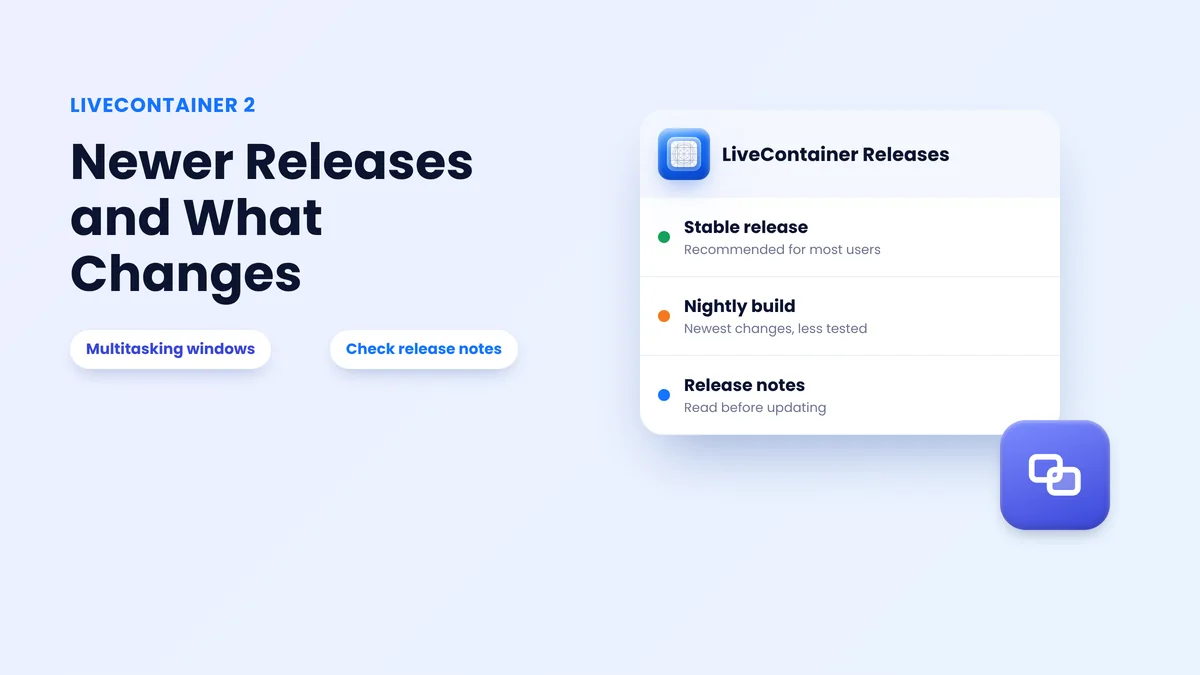
The GitHub releases page offers two channels. Stable builds are the recommended choice for everyday use, while nightly builds include newer changes and experimental features that have had less testing.
Each channel is available as the standalone LiveContainer.ipa and as LiveContainer+SideStore.ipa. The project also publishes separate source files for stable and nightly, so AltStore or SideStore can track whichever channel you prefer.
- Choose stable when following guides or setting up for the first time.
- Choose nightly only when you need a specific new change.
- Read the release notes before switching channels.
Checking Which Version You Have
Your sideloading tool shows the installed version of LiveContainer, and the app's own settings usually display it as well. Comparing that number with the latest entry on the GitHub releases page tells you whether an update is available.
If you installed through the official source in AltStore or SideStore, updates appear there automatically. That is the easiest way to stay on a current build without downloading IPA files by hand.
Updating Without Losing Data
Guest apps and their containers are stored inside LiveContainer's data. Updating the app through your sideloading tool normally keeps that data, while deleting LiveContainer and reinstalling it can remove everything stored inside.
Safe Update Habits
- Update in place rather than deleting and reinstalling.
- Back up important guest app data before major version jumps.
- Check the certificate settings after updating.
- Keep AltStore or SideStore on a supported version.
Moving from a very old 2.x build to a current one is a large jump. Reading the notes for the versions in between helps you spot changes in where settings live or how containers are managed.
Where to Find Official Release Information
The GitHub releases page is the authoritative list of versions, downloads and release notes. The project's documentation site explains features and architecture in more depth, and the repository's issue tracker hosts the compatibility list.
Third-party pages, including this one, can summarise changes, but version numbers and details should always be confirmed against the official release notes before you rely on them.
Should You Stay on an Older Build?
Staying on an old 2.x build is rarely worthwhile. Newer releases include compatibility work, iOS-specific fixes and features such as the dedicated source and multitasking, and older builds do not receive those improvements.
The main reason to wait is a known problem in the newest release that affects an app you rely on. In that case, the release notes and issue tracker show whether a fix is planned, and staying on the previous stable build for a short time is reasonable.
- Update when release notes mention fixes for your iOS version.
- Wait briefly if a new release reports issues with apps you use.
- Avoid unofficial "LiveContainer 2" downloads from other websites.
Feature Overview in Current Builds
Current builds bring together features added across several release lines. Knowing what is available helps you decide whether an old tutorial still applies or whether the app now handles a task differently.
| Feature | Where it helps |
|---|---|
| Multiple data containers | Separate accounts and setups |
| Home Screen shortcuts | Quick access to guest apps |
| Multitasking windows | Running several apps at once on iOS 16+ |
| Tweak support | Customising guest apps |
| Official source files | Updates inside AltStore or SideStore |
Exact menus and labels change between versions, so the official documentation is the best reference when a setting has moved.
Reading Release Notes Effectively
Release notes on GitHub list new features, fixes and known issues for each version. Scanning them for your iOS version, your sideloading tool and any apps you rely on takes only a minute and prevents most update surprises.
- Look for mentions of your iOS or iPadOS version.
- Check for changes to signing or SideStore integration.
- Note any features that moved to a different menu.
Conclusion
LiveContainer 2 marked an important stage in the project, bringing Home Screen shortcuts and compatibility improvements, and later releases reshaped the app with a SwiftUI interface, a dedicated source and multitasking.
Using stable builds, updating in place and checking the official release notes keep your setup current without surprises.