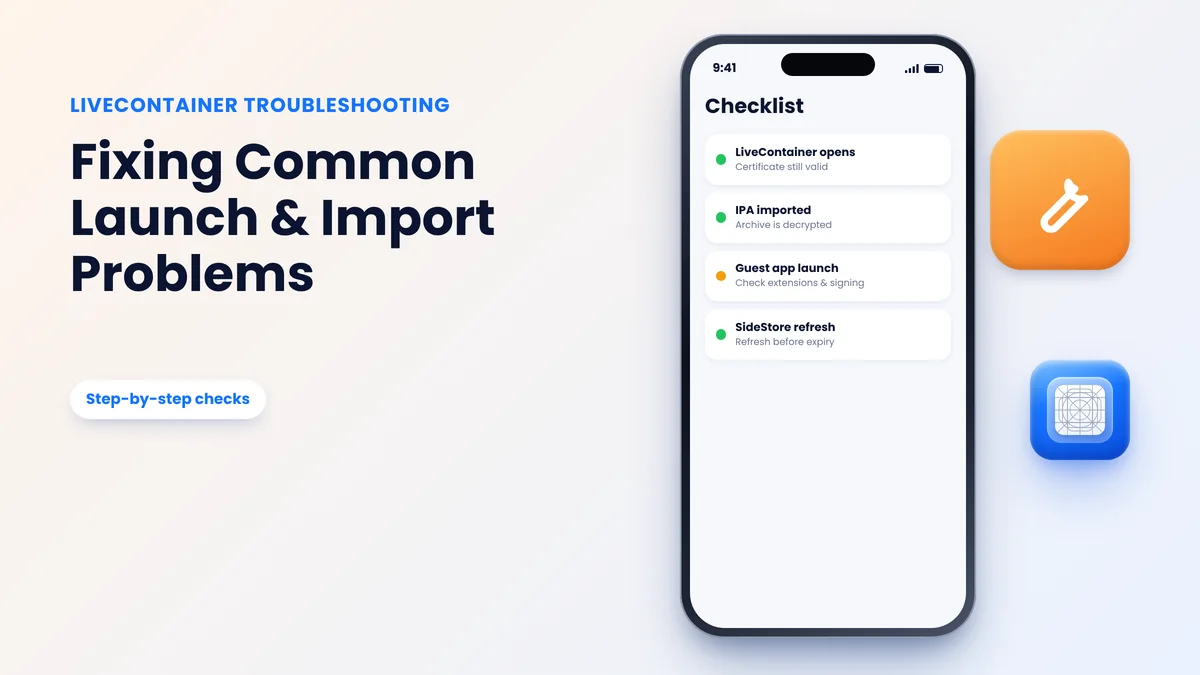
LiveContainer troubleshooting usually starts with one of five symptoms: the app will not open, an IPA will not import, signing fails, a guest app crashes or a SideStore refresh does not complete. Each one has a short list of common causes worth checking in order.
The sections below group fixes by symptom, starting with the quickest checks, and finish with a few habits that prevent the same problems from coming back.
Quick Checks Before Anything Else
A few basics resolve a large share of reports. Confirming them first avoids changing settings that were never the cause.
- Your device runs iOS or iPadOS 15 or later.
- LiveContainer was refreshed within the last seven days on a free account.
- AltStore is 2.0 or later, or SideStore is 0.6.0 or later.
- LiveContainer came from the official GitHub releases.
LiveContainer Will Not Open
An app that closes immediately or shows an unavailable message has usually reached the end of its signing period. Refreshing LiveContainer in AltStore or SideStore renews the signature and is the first step to try.
If refreshing fails, the problem is likely in the sideloading tool rather than LiveContainer. Check that the tool's own connection or pairing setup is working, then refresh again.
IPA File Fails to Import
Import errors almost always relate to the file itself. LiveContainer needs a complete, decrypted IPA, and encrypted App Store copies or partly downloaded files cannot be prepared correctly.
| Cause | Fix |
|---|---|
| Incomplete download | Download the IPA again from its original source |
| Encrypted IPA | Use a decrypted build you are allowed to use |
| Renamed archive | Use a genuine IPA rather than a renamed zip |
| Signing not set up | Complete the certificate import first |
App Signing or Certificate Errors
Without JIT, guest apps are signed with the same certificate used by LiveContainer. If the imported certificate does not match the one that installed LiveContainer, guest apps may fail to prepare or launch.
How to Resolve a Mismatch
- Re-import the certificate from the tool that installed LiveContainer.
- Repeat the import after reinstalling with a different Apple account.
- Avoid shared certificates from websites, which may be revoked.
Guest App Crashes on Launch
A guest app that opens and closes straight away may rely on something LiveContainer cannot provide. App extensions, remote push notifications, special entitlements and custom URL scheme queries are all listed as limitations.
Trying the app with a new, empty data container rules out corrupted data. Per-app options such as Fix File Picker and Fix Local Notifications help apps that fail at a specific action rather than at launch.
Checking the Compatibility List
The project keeps a compatibility list on GitHub where users report working and non-working apps. If an app is already marked as incompatible, waiting for future releases is usually the only option.
Troubleshooting SideStore Integration
With the LiveContainer+SideStore build, refreshing depends on SideStore's connection setup. A refresh that stalls or fails usually points to that setup rather than to LiveContainer.
- Refresh several days before the seven-day limit.
- Confirm SideStore's pairing and connection setup is active.
- Update to a current stable build if you are on an old release.
- Read release notes for any changes to the refresh flow.
Data and Container Problems
Containers keep data separate for organisation, but they are not sandboxed from each other. If one app behaves unexpectedly after another was used, testing it in a fresh container helps show whether shared data is involved.
Deleting and reinstalling LiveContainer can remove guest apps and containers. Back up important data before reinstalling, and prefer updating in place through your sideloading tool.
Problems After an Update
New releases sometimes change where settings live or how certain features behave. If something stops working right after an update, the release notes are the first place to look, because they often describe changed behaviour and new options.
Re-importing the certificate and restarting the device fix many post-update issues. If a problem appeared only with a nightly build, moving back to the latest stable build is a sensible way to confirm the cause.
- Read the release notes for the version you just installed.
- Re-import the certificate after updating.
- Return to the stable channel if a nightly build misbehaves.
Collecting Details for a Bug Report
When a problem is new, a clear report helps maintainers understand it quickly. A few details make the difference between a report that can be acted on and one that needs several follow-up questions.
| Detail | Why it helps |
|---|---|
| Device model and iOS version | Some issues affect specific versions |
| LiveContainer version and channel | Shows whether a fix already exists |
| Sideloading tool and version | Separates install issues from app issues |
| Guest app name and steps | Lets others reproduce the problem |
Where to Look Before Posting
Searching existing issues on GitHub often finds the same problem already reported, sometimes with a workaround. Reading those threads first saves time and keeps the issue tracker useful for everyone.
- Search closed and open issues for your error.
- Check the compatibility list for the guest app.
- Review the known-issues thread mentioned in the README.
Frequently Asked Questions
Why do all my guest apps stop at once?
They depend on LiveContainer's signature, so an expired or revoked certificate affects every guest app together.
Where should I report a new problem?
The official GitHub repository is the right place. The README asks users to review the known-issues thread (#265) before opening a new report.
Will a nightly build fix my issue?
Sometimes, but nightly builds are less tested. Read the release notes to see whether your issue is mentioned.
Does reinstalling LiveContainer fix most problems?
Reinstalling can remove guest apps and containers, so try refreshing, re-importing the certificate and testing a fresh container first.
Can one guest app affect another?
Yes, in some cases. Guest containers are not sandboxed from each other, so testing a misbehaving app in a fresh container helps rule out shared data.
Conclusion
LiveContainer troubleshooting is easier when you work by symptom: refresh for launch failures, check the file for import errors, re-import the certificate for signing problems and test fresh containers for crashes.
Official builds, regular refreshing and a quick look at the compatibility list prevent most issues before they start.