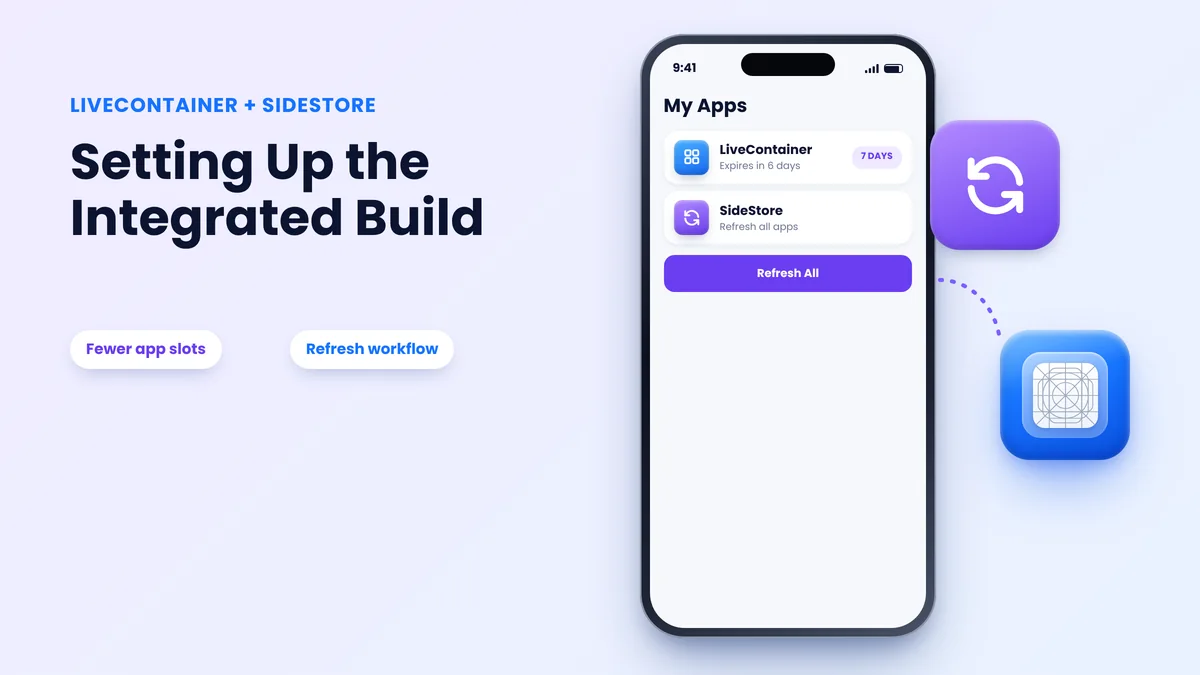
LiveContainer + SideStore is the combined package that puts SideStore's on-device sideloading inside LiveContainer. It is published as LiveContainer+SideStore.ipa next to the standalone build, and it targets people who want fewer apps to manage and a simpler refresh routine.
This article explains what the integrated build adds, how it compares with running the two apps separately, how refreshing works day to day and which details to check before switching.
What SideStore Does
SideStore is an on-device sideloading tool that signs and refreshes apps using your Apple account. After its initial pairing setup, it is designed to refresh apps from the iPhone or iPad itself rather than needing a computer for every renewal.
LiveContainer's official requirements list SideStore 0.6.0 or later. Keeping SideStore current matters, because older versions may not include the support code that the integration relies on.
What the Integrated Build Includes
The LiveContainer+SideStore package contains LiveContainer and the SideStore functionality in one app. The project's source tree includes supporting code specifically for SideStore's app refreshing integration.
- One app on the Home Screen instead of two.
- SideStore refreshing built into the same package.
- Fewer free app slots used by the combined setup.
- Both stable and nightly versions on the GitHub releases page.
Why App Slots Matter
A free Apple account allows only a small number of active sideloaded apps at once. Running SideStore and LiveContainer as two separate apps uses two of those slots, while the combined build uses fewer, leaving more room for other sideloaded apps you still install normally.
Standalone vs Integrated Setup
Both builds run guest apps identically. The difference is in how many apps you manage and which tool performs the refresh.
| Aspect | Standalone | LiveContainer + SideStore |
|---|---|---|
| Package | LiveContainer.ipa | LiveContainer+SideStore.ipa |
| Apps to manage | LiveContainer plus your sideloading tool | One combined app |
| Refreshed by | Separate AltStore or SideStore | Built-in SideStore functionality |
| Free app slots used | More | Fewer |
| Best for | AltStore users, separate setups | Users who want one app |
Preparing for the Switch
Moving from the standalone build to the integrated one is a reinstall, so a little preparation avoids losing guest app data. Guest apps and their containers live inside LiveContainer's storage, which is tied to the installed app.
- Back up important guest app data before uninstalling anything.
- Confirm SideStore's pairing and connection setup already works.
- Download the integrated IPA from the official GitHub releases only.
- Re-check the certificate settings after the new build is installed.
The project's own documentation is the best reference for the exact order of steps, because details can change as SideStore and LiveContainer evolve.
Managing App Refreshes
Sideloaded apps signed with a free account still expire after seven days. With the integrated build, refreshing the combined app through its SideStore functionality renews the host, and guest apps continue to launch because they run inside it.
A Simple Refresh Routine
- Refresh every few days instead of waiting for the last day.
- Make sure SideStore's connection setup is active when refreshing.
- Watch for update notes when a new release changes the refresh flow.
If a refresh fails, the issue is usually in SideStore's pairing or connection setup rather than in LiveContainer itself. Fixing that part first is the quickest route back to a working setup.
When Standalone Still Makes Sense
The integrated build is not automatically the better choice. If AltStore is your main tool, or you want to update SideStore and LiveContainer on different schedules, the standalone build keeps the two apps separate and easier to manage on their own terms.
Testing nightly builds is another case. Keeping a stable SideStore install apart from an experimental LiveContainer build limits the impact if a nightly version has an issue.
Getting SideStore Ready First
The integrated build depends on SideStore's refreshing working properly, so it makes sense to confirm SideStore is healthy before relying on the combined app. SideStore needs an initial pairing and connection setup, which its own documentation explains in detail.
Once SideStore can refresh an app on your device without errors, the integrated LiveContainer build has a solid base. Skipping this check is the most common reason people blame LiveContainer for what is really a SideStore setup issue.
- Complete SideStore's pairing steps from its official documentation.
- Test a refresh with SideStore before switching builds.
- Keep your Apple account sign-in consistent across tools.
Updating the Integrated Build
Updates for LiveContainer+SideStore are published on the GitHub releases page alongside the standalone package. The official source files also list LiveContainer, so your sideloading tool can show new versions when they are released.
Updating in place keeps guest apps and containers, while deleting the app first can remove them. Reading the release notes before a major update shows whether anything about the SideStore integration has changed.
What Stays the Same After Updating
Guest apps, their data containers and per-app options are stored inside LiveContainer, so an in-place update leaves them untouched. Settings that depend on signing, such as the imported certificate, are the main items worth checking again once the update finishes.
- Guest apps and containers remain in place.
- Per-app fixes such as Fix File Picker are kept.
- Certificate settings may need a quick check.
Frequently Asked Questions
Do guest apps behave differently in the integrated build?
No. Guest apps run the same way in both builds; only installation and refreshing differ.
Can I use AltStore with the integrated build?
The integrated build is built around SideStore. AltStore users usually choose the standalone LiveContainer build.
Which SideStore version is required?
The official requirements list SideStore 0.6.0 or later.
Do I lose guest apps when switching to the integrated build?
Switching builds means installing a different app, so guest apps and containers stored in the old build may not carry over. Back up important data and keep your IPA files before switching.
Is the integrated build available as a nightly version?
Yes. The GitHub releases page lists both stable and nightly versions of LiveContainer+SideStore.ipa.
Conclusion
LiveContainer + SideStore suits anyone who wants a single app that runs guest apps and refreshes itself on the device, while saving free app slots.
Backing up data before switching, keeping SideStore's connection setup healthy and refreshing well before the seven-day limit keep the integrated build running smoothly.